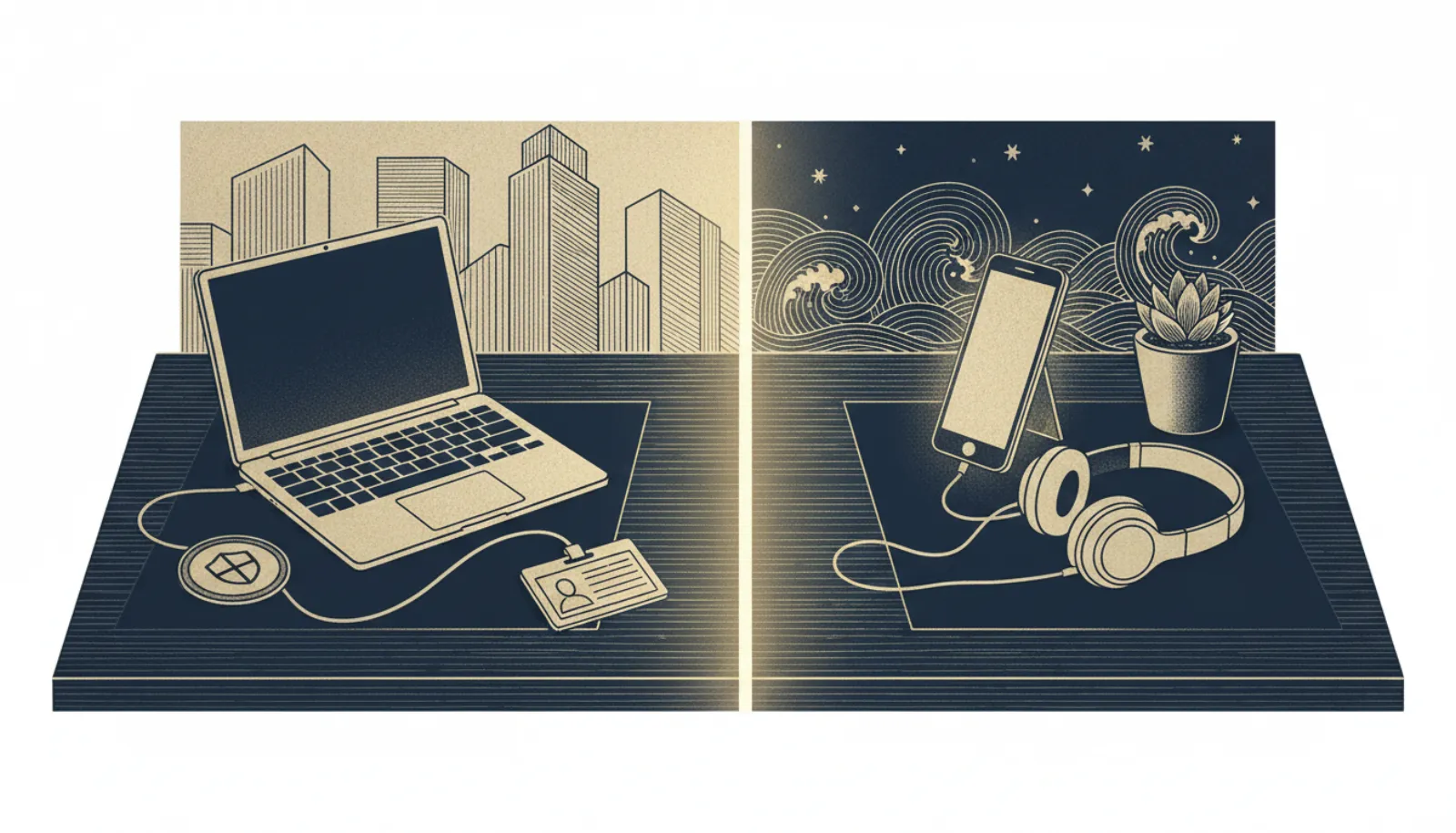
Using a personal AI agent for your own errands is your business. Connecting it to your work email, files, calendar or Slack is your employer's business, because it moves company data onto a consumer account they can't see, audit or switch off. Most IT and security teams treat that as shadow AI. The practical rule: ask IT before you connect any work account, and if your company offers a business plan with agent features, use that instead.
What counts as shadow AI with agents?
Shadow AI means using AI tools at work without your employer's knowledge or approval. With chatbots, the typical problem was pasting a document into a chat. Agents raise the stakes in three ways:
- They connect directly. An agent with a Gmail or Slack connector reads everything it can reach, not just what you paste.
- They act. An agent can send email, edit files and post messages under your name.
- They remember. OpenAI says disconnecting an app doesn't remove what dots has already learned from it, and Duet keeps what it learned until you delete it or reset. See how long agents keep data.
- Work email or Slack
- Personal agent account
- Vendor servers and memory
- Outside employer control
Why employers worry: the security view
Security frameworks describe exactly the risks a personal agent on work systems creates. The OWASP Top 10 for Agentic Applications lists Agent Goal Hijack, Identity and Privilege Abuse, and Memory and Context Poisoning among its top risks.
The joint guidance Careful Adoption of Agentic AI Services, published 1 May 2026 by Australia's ACSC, CISA, the NSA, the Canadian Cyber Centre, NCSC-NZ and NCSC-UK, says "organisations should only use agentic AI for low-risk and non-sensitive tasks" and stresses "never granting it broad or unrestricted access, especially to sensitive data or critical systems". A personal agent with your work inbox is broad access your employer never granted. Our summary of NIST, CISA and NCSC guidance has more.
Research adds a concrete example. The MemGhost paper (Zhang et al., arXiv, July 2026) reported 87.5% attack success planting hidden memories in OpenClaw with GPT-5.4, in a research setting. A poisoned email to a work inbox could, in principle, shape what a personal agent does later. See memory poisoning.
Personal plan vs business plan: what changes?
| As of November 2026 | Personal agent on a consumer plan | Agent on an employer's business plan |
|---|---|---|
| Who controls the account | You | Your employer's admins |
| Who can revoke access when you leave | Only you | IT |
| Training on your data | Follows your consumer settings | Set by the business agreement |
| Examples | Muse, Claude Duet (Pro, Max, Ultra), dots on ChatGPT Pro | dots on ChatGPT Business and Enterprise; Grok Bot team seats; Microsoft 365 Copilot Autopilot (private preview) |
A few specifics from vendor documentation and our verified notes:
- OpenAI dots reached the EU on Business and Enterprise plans on 28 October 2026. Business Premium seats cost $125 per user per month billed monthly, or $100 annually, with a two-seat minimum.
- Grok Bot team seats come with Premium, Super and Ultra. xAI's teams documentation says shared team Bots in Slack run on their own computer, not a member's, while all of an individual's Bots share one computer.
- Claude Duet runs under consumer Pro, Max and Ultra plans. Anthropic has no Duet-specific training statement, but its consumer policy uses chats for training only if Model Improvement is on, and that most likely applies to Duet (Anthropic privacy).
- Microsoft's Copilot Autopilot, announced 25 September 2026, is an organisational agent inside Microsoft 365, in private preview. It is not a consumer product.
When should you ask IT first?
- Check the policyLook for an AI or acceptable-use policy and whether it mentions agents or connectors.
- List what you'd connectEmail, calendar, drive, chat, CRM, code repositories.
- Ask before connectingSend IT the agent name, plan and connectors you want.
- Use the approved toolIf the company has a business plan, use it rather than your personal one.
- Disconnect when you leaveRemove work connectors and delete related memory from any personal agent.
Ask before connecting anything that holds company or customer data. That includes your work calendar, which often reveals client names and meeting details. Customer personal data adds legal duties for your employer; see AI agents and other people's data.
What if you've already connected a work account?
It happens, often before a policy existed. The fix is simple, and telling IT early is better than having it surface later:
- Disconnect the work connectors from your personal agent. See revoking agent access.
- Delete what it learned. Disconnecting doesn't erase memory in every agent, so delete related memories and chats; see deleting agent memory.
- Check the activity log for anything the agent sent or changed on work systems.
- Tell IT what was connected and for how long, so they can judge whether any follow-up is needed.
If you suspect the agent was manipulated into sending company data somewhere, treat it as a security incident and report it to IT straight away.
What about the self-employed?
If you are a freelancer or sole trader, you are your own IT department, but client contracts and data-protection law still apply. A business plan gives you admin controls and clearer terms. UK readers can see Personal Agent UK's guide to Business Premium for sole traders.
Bottom line
Keep work accounts off personal agents unless your employer says yes in writing. If your company offers an agent on a business plan, it is almost always the better option, because IT can manage access, retention and offboarding. When in doubt, ask first.