If you sign in through the vendor's own flow, the major hosted AI agents are designed so the model never sees your real password. Meta Muse and Claude Duet hold credentials in a separate service and swap them in only as a request leaves for the website. OpenAI dots and Grok Bot use secure forms, vaults and takeover steps. The exception is anything you type into the chat yourself, and self-hosted agents like OpenClaw, where your configuration decides. This explainer is based on the official docs and launch coverage as of November 2026.
How surrogate tokens work
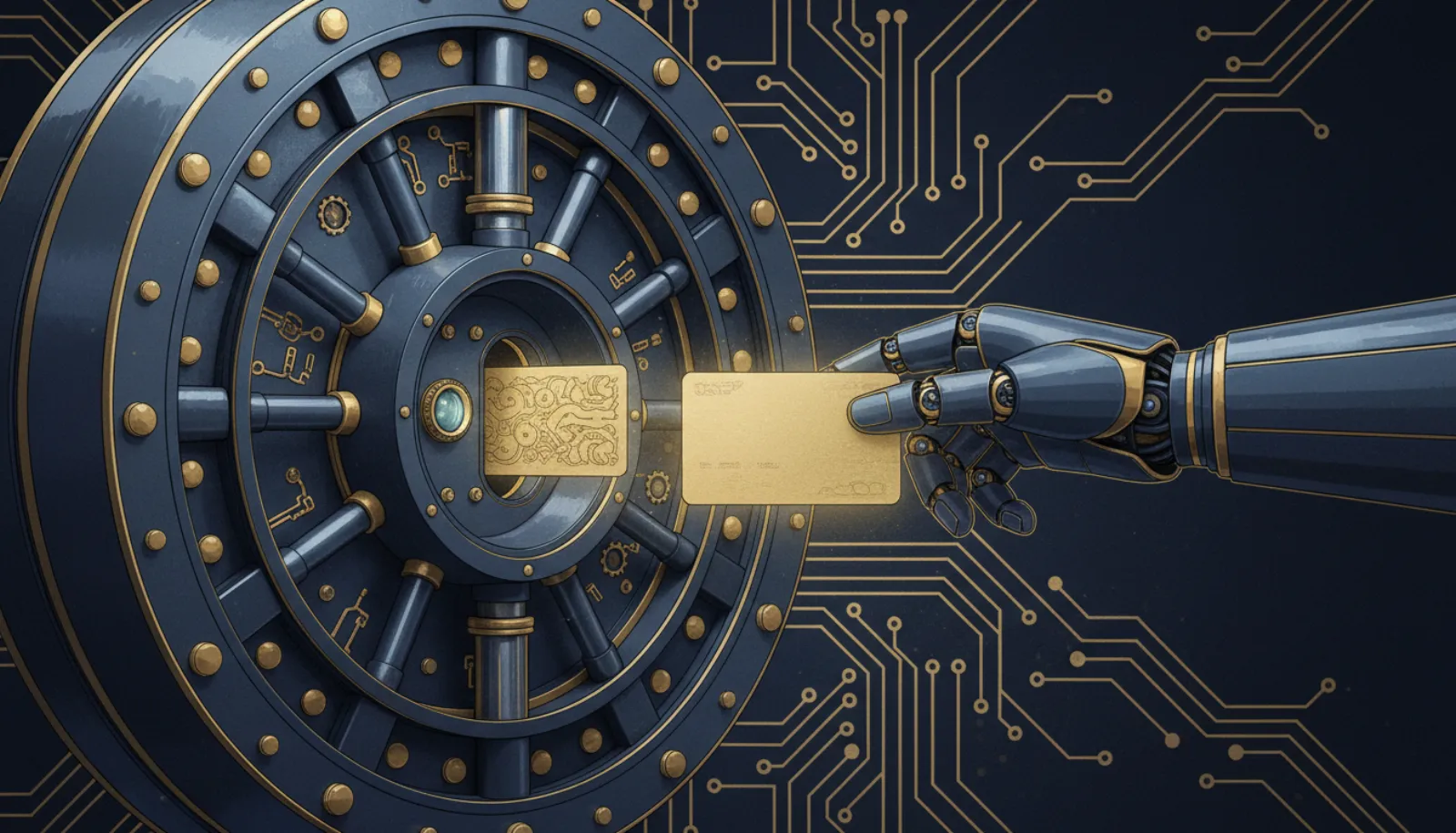
The core idea is simple: the AI model works with a placeholder, and a separate, non-AI component holds the real secret.
- You sign in via secure form
- Vault stores real credential
- Agent gets surrogate token
- Proxy swaps in real token at network edge
- Website
Because the model only ever sees the placeholder, it cannot leak your password in a reply, write it into memory or be tricked into pasting it on a malicious page. Meta engineer Tarek Sheasha summarised Muse's version as: "The agent never sees real tokens". Credentials sit in a service called hatch-authd and are swapped in at the network boundary, according to Meta's Muse security post.
Anthropic describes the same pattern for Duet: "Claude Duet never sees your passwords, browser cookies, sign-in tokens, or other credentials". A proxy swaps tokens in at request time. When you sign in to a site, your password is encrypted with a single-use key and passed unopened to the browser.
Credential handling by agent
| Agent | How you sign in | Does the model see the password? | Extra protections |
|---|---|---|---|
| Meta Muse | Connector sign-in; credentials in hatch-authd | No, surrogate tokens only | Email connector filters OTPs, reset links and magic links |
| Claude Duet | Sign-in form inside the Claude app | No, proxy swaps tokens; passwords sealed with single-use key | Classifier blocks credentials from being shared onward |
| OpenAI dots | Secure form for saved passwords | No, not exposed to the model | Password changes always come back to you |
| Grok Bot | Vault, password manager or Secure Form | No, takeover for passwords, 2FA and CAPTCHAs | Shared cloud computer across your Bots |
| OpenClaw | Your own config files and environment | Depends on your setup | Sandbox off by default |
As of November 2026. Sources: vendor documentation linked in this article.
- Real passwords the model should hold in vault-and-proxy designs
- 0
- Place Duet's sign-in form appears: inside the Claude app
- 1
- OpenClaw sandbox default
- Off
What the vault does not protect
Keeping the password away from the model is a real improvement, but it leaves three gaps.
A signed-in session can still be misused. The agent does not need your password to send an email from your account once it is connected. An attacker who plants instructions in a web page or email is after actions, not passwords. That is why approvals for sending, paying and deleting matter; see our guide to approval settings in Claude Duet and the explainer on the lethal trifecta.
What you type yourself is outside the vault. If you paste a password into the chat, it lands in history and memory like any other message. Our list of what not to share with an AI agent covers this.
Fake sign-in pages. Attackers imitate the agent's sign-in prompt. Anthropic says Duet's sign-in form "never arrives as a link, a text message, an email, or a website other than claude.ai". Any link that asks you to "re-authenticate your agent" deserves suspicion. See fake AI agent login pages.
The takeover pattern for passwords and 2FA
Some steps should be done by you, not the agent. Grok Bot hands control back for passwords, 2FA codes, CAPTCHAs and payments, according to xAI's FAQ. OpenAI dots offers "Take over" from the Activity View, and password changes always return to you. Our guide to AI agent takeover for passwords and 2FA walks through each vendor's flow.
- Agent reaches a sign-in stepIt pauses instead of guessing or asking for the password in chat.
- You take overYou type the password or code yourself in the secure view.
- Session continuesThe agent works with the signed-in session, not the password.
- You review activityCheck the activity log afterwards for anything unexpected.
The disputed case: does Muse store credentials?
When Amazon blocked Meta Muse from its store on 20 September 2026, one stated reason was that Muse appears to store credentials. Meta disputes this. The two claims are compatible to a degree: Meta's own design keeps credentials in hatch-authd, which is storage, just not storage the model can read. Whether that satisfies a retailer's terms is a policy question, not a technical failure. Meta's Sentinel permission system, covered in Meta Muse Sentinel explained, is the layer that decides when those stored credentials can be used.
Self-hosted agents: you are the vault
OpenClaw is MIT-licensed and runs on your hardware. Its sandbox is off by default, and API keys and tokens typically sit in config files or environment variables that the agent process can read. A malicious skill or injected instruction could read those files if the agent has shell access. If you self-host, keep secrets in a proper secret store, turn on sandboxing and exec approvals, and follow our OpenClaw security hardening guide.
Bottom line
Hosted agents from Meta, Anthropic, OpenAI and xAI are built so the model never holds your real password, provided you use their sign-in, vault or takeover flow. The remaining risks are misuse of a signed-in session, secrets you type into chat yourself, and fake sign-in pages. Use the official flow, keep approvals on for consequential actions, and treat any link asking for agent credentials as hostile.