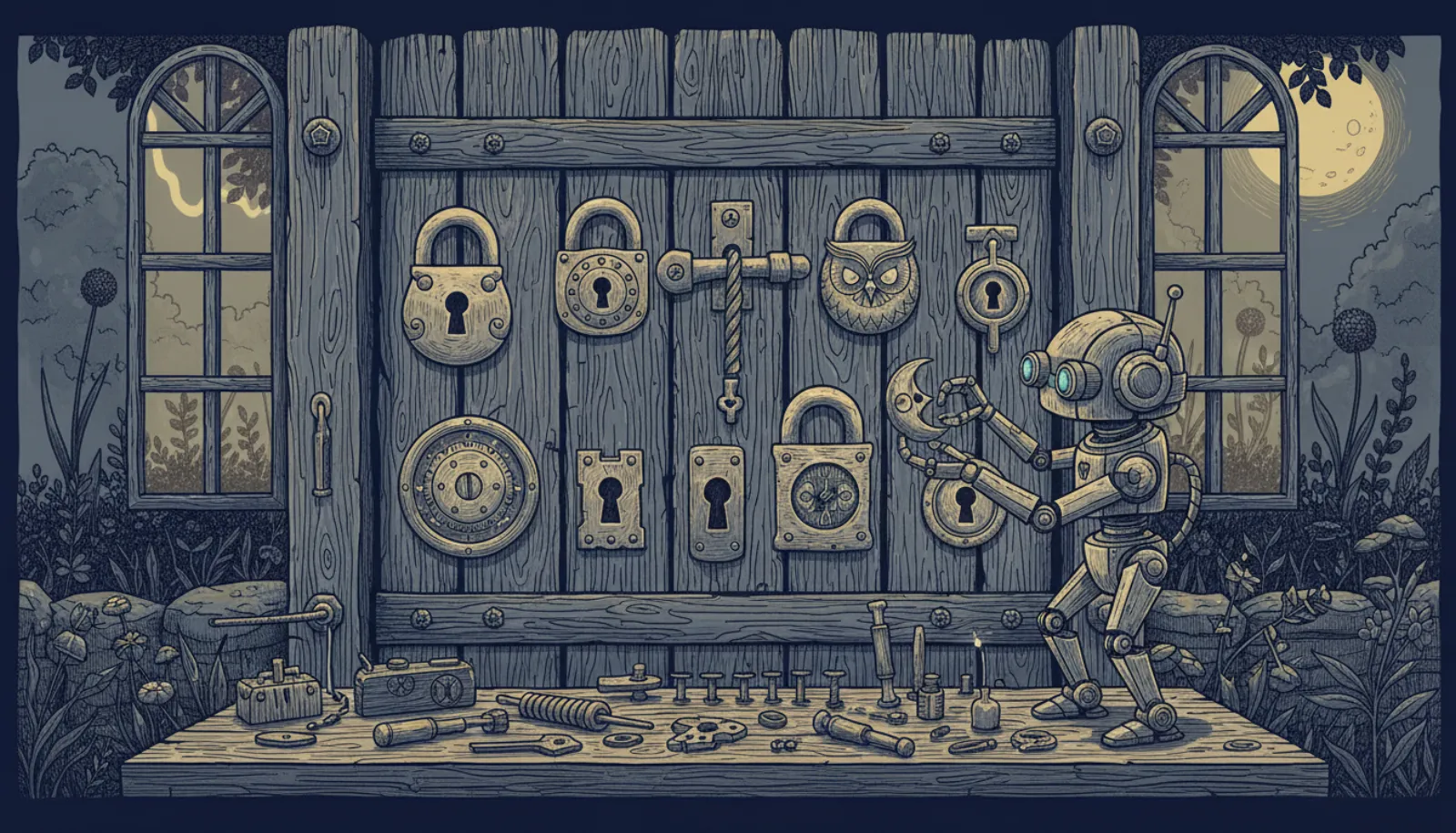
ClawHavoc was the first large malware campaign aimed at an AI agent's skill marketplace. In early 2026, attackers uploaded hundreds of skills to ClawHub, the public skill store for the open-source agent OpenClaw, that looked like useful add-ons but carried stealers and credential harvesters. The lesson applies to any agent that installs third-party extensions: a skill is code that runs with your agent's access.
What happened in the ClawHavoc campaign?
OpenClaw lets you extend the agent with "skills": folders containing a SKILL.md instruction file and often scripts. ClawHub launched alongside the OpenClaw name in late January 2026 and grew quickly, to more than 3,000 listed skills by May 2026.
Two security firms published counts, and they measure different things:
- Koi Security audited 2,857 skills on ClawHub and found 341 malicious, 335 of them linked to the ClawHavoc campaign, as reported by The Hacker News. Koi later raised its count to 824.
- Antiy CERT counted 1,184 malicious skill packages that had ever appeared on ClawHub as of 5 February 2026, including ones already removed (Antiy report, 6 Feb 2026).
The first is a snapshot of what was listed during one audit. The second is a historical total. They are not in conflict.
Reported payloads included macOS information stealers and Windows credential harvesters. Separately, Silverfort researchers showed that ClawHub's download rankings could be gamed to push a malicious skill to the top spot, which matters because many people install whatever ranks first.
Why are agent skills such an attractive target?
A browser extension or phone app runs inside a permission system built over decades. An agent skill often does not. It runs with whatever the agent can reach.
- Skill listing looks useful
- User installs it
- Skill instructions and scripts load into the agent
- Agent runs them with its own access
- Files, tokens or browser data exposed
Three things make skills riskier than ordinary apps:
- They inherit broad access. An OpenClaw agent may hold API keys, messaging sessions, files and shell access. A skill gets to use them.
- Instructions are code too. A
SKILL.mdfile is natural-language instructions the model follows. Malicious text in it works like indirect prompt injection that you installed yourself. - Updates can change behaviour. A skill that was clean when you installed it can be replaced by a malicious update, the same "rug pull" pattern seen with MCP servers.
OWASP's Top 10 for Agentic Applications lists this as ASI04, Agentic Supply Chain Vulnerabilities.
What did OpenClaw change afterwards?
OpenClaw added VirusTotal scanning for ClawHub uploads in February 2026 (The Hacker News). According to the current skills documentation:
- ClawHub skill pages show the latest security scan state before you install, covering VirusTotal, ClawScan and static analysis.
openclaw skills verify @owner/<slug>checks a skill's trust envelope and fails when ClawHub marks verification as failed.- Owner-qualified references such as
@owner/<slug>avoid confusion between publishers with similar skill names. - Operators can set
security.installPolicyto run a local policy check before any install completes.
The docs are blunt about the remaining risk: "Treat third-party skills as untrusted code. Read them before enabling." Scanning catches known malware. It does not catch a skill whose instructions quietly tell the agent to do something you would not want.
How do you vet a skill before installing it?
- Check the publisherInstall by owner-qualified name and look for a publisher with a history you can verify.
- Read SKILL.md and scriptsLook for instructions to fetch remote code, send data to unknown addresses or read credential files.
- Check the scan stateReview the VirusTotal and static-analysis results on the ClawHub page, then run openclaw skills verify.
- Pin what you installFor Git installs, use a specific ref or commit hash so updates do not change the code silently.
- Sandbox untrusted skillsRun them in an agent with the Docker sandbox on and no access to your real workspace.
Distrust ranking alone. Because download counts can be gamed, a top-ranked skill is not automatically a trustworthy one. Be especially careful with skills that promise wallet tools, "free" premium features or system cleanup, the kinds of lure commonly used for stealers.
OpenClaw's sandbox is off by default in OpenClaw 2.0, so turning it on is a deliberate step. See OpenClaw sandbox and exec approvals and the full OpenClaw security hardening checklist.
What if you already installed a suspicious skill?
- Disable the skill and disconnect the agent from messaging channels.
- Rotate the gateway token and every API key or password the agent could reach.
- Check for unfamiliar login sessions on connected accounts, and sign out other sessions.
- If the skill ran outside a sandbox on your computer, treat the machine as possibly compromised and run a reputable malware scan.
- If financial accounts were reachable, contact your bank or card issuer, and report fraud to the FTC at reportfraud.ftc.gov or the FBI's IC3.
Report malicious skills to OpenClaw through a GitHub Security Advisory or security@openclaw.ai, per its security policy.
Does this only affect OpenClaw?
No, but OpenClaw is the clearest case because anyone can publish a skill and the agent often runs on your own machine. Hosted agents such as Meta Muse, Claude Duet and OpenAI dots decide which connectors they offer, which narrows the supply-chain risk without removing it. Any agent that supports custom MCP servers brings the same question back: who wrote this code, and what can it reach? We weigh these trade-offs in is self-hosting an AI agent safe.
Bottom line
ClawHavoc showed that agent marketplaces attract the same attackers as app stores and package registries, and that the stakes are higher because skills inherit an agent's access. Scanning has improved since February 2026. Your own habits still matter more: install less, read what you install, pin versions and keep untrusted skills in a sandbox.